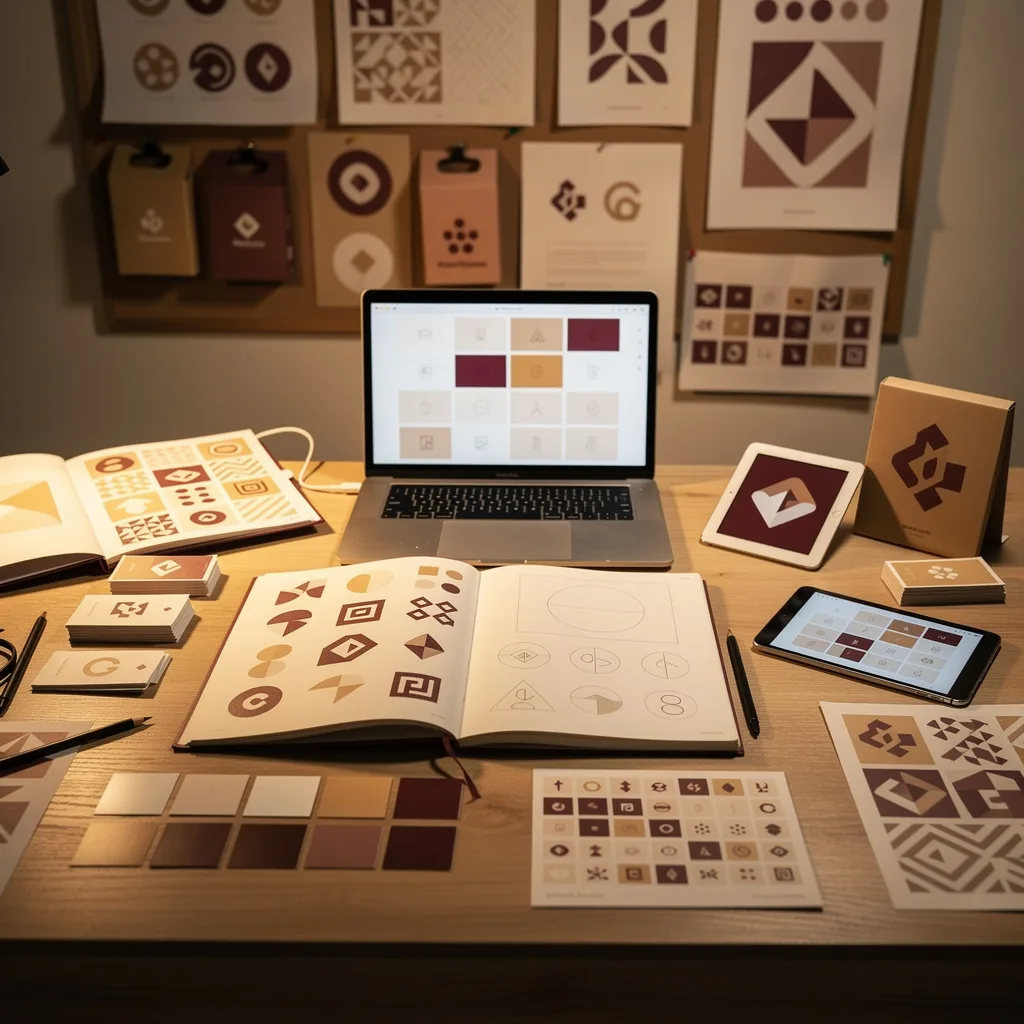
What is Figma UI Design?
Figma UI Design Training
This Figma UI Design certificate program is a comprehensive training pathway designed to transform beginners into proficient interface designers capable of creating professional-grade digital products. The course systematically builds your expertise from foundational Figma navigation through to advanced prototyping, design systems architecture, and cross-functional team collaboration. Whether you're aspiring to become a UI/UX designer, looking to enhance your digital design portfolio, or a developer seeking to understand the design workflow, this program provides the structured learning experience needed to master contemporary interface design practices.
Participants will engage with real-world design scenarios across 12 progressive modules, gaining hands-on experience with industry-standard workflows. The curriculum emphasizes practical application—by course completion, you will have constructed a complete design system, built interactive high-fidelity prototypes, and executed an end-to-end design project from concept to developer-ready specifications. No prior design experience is required, though basic computer literacy is recommended.
What is Figma UI Design?
Figma UI Design refers to the practice of creating user interfaces using Figma, a browser-based collaborative design tool that has become the industry standard for digital product design since its launch in 2016. Unlike traditional design software confined to individual desktop installations, Figma operates entirely in the cloud, enabling real-time multiplayer collaboration where multiple designers can simultaneously work on the same file. The platform combines vector graphics editing, interface design, prototyping, and design system management into a unified workspace, eliminating the friction of switching between disparate tools.
The significance of Figma in the current design landscape cannot be overstated—it has fundamentally reshaped how product teams approach interface creation. Its component-driven architecture allows designers to build reusable UI elements that maintain consistency across large-scale applications, while Auto Layout introduces responsive design principles natively into the design process, mirroring how developers implement flexbox and grid systems in code. The tool's prototyping capabilities enable designers to simulate complex user interactions and micro-animations without writing code, bridging the gap between static mockups and functional experiences.
Key concepts central to Figma UI Design include: Frames and Artboards (the canvas structure for organizing screens), Components and Variants (reusable, configurable design elements), Auto Layout (dynamic spacing and resizing behaviors), Design Tokens (systematized colors, typography, and spacing values), Interactive Prototyping (clickable, animated user flows), and Dev Mode (specifications extraction for engineering handoff). Understanding these concepts enables designers to create scalable, accessible, and developer-friendly interface designs that translate seamlessly into production code.
What Will This Course Bring You?
- You will learn to navigate Figma's interface architecture, configure workspace preferences, and establish organized file structures using pages and naming conventions that support team scalability
- You will master frame-based design workflows, understanding the distinction between frames and groups, and implementing hierarchical page structures that mirror production application architectures
- You will develop expertise in vector manipulation, applying boolean operations to craft custom icons and shapes, while building systematic color palettes using solid fills, gradients, and effects layers
- You will construct robust typography systems, defining text styles with proper hierarchical scales, line heights, and letter spacing that ensure readability across device breakpoints
- You will build sophisticated component libraries with variant configurations, understanding how to create configurable UI elements that maintain consistency while supporting multiple states and use cases
- You will implement Auto Layout to create responsive designs that adapt to content changes, mastering directional flows, padding controls, and distribution settings that mirror CSS flexbox behavior
- You will design complex responsive interfaces using nested Auto Layout frames, breakpoint strategies, and constraint systems that ensure designs adapt gracefully from mobile to desktop viewports
- You will create interactive prototypes with conditional logic, linking screens through clickable hotspots and establishing user flow navigation that simulates real application behavior
- You will engineer advanced micro-interactions using Figma's animation tools, including smart animate transitions, easing curves, and overlay behaviors that communicate state changes and enhance user experience
- You will architect comprehensive design systems, documenting component usage, establishing design tokens for colors and typography, and creating maintainable libraries that serve as single sources of truth
- You will execute effective collaboration workflows, utilizing commenting systems for feedback cycles, version history for iteration tracking, and Dev Mode for generating CSS properties, asset exports, and specifications for engineering teams
- You will apply end-to-end design methodologies, moving from wireframing through high-fidelity mockups to final deliverables, incorporating stakeholder feedback loops and preparing production-ready assets
Curriculum
12 Units1. Getting Started with Figma
30 min
2. Frames, Artboards, and Page Structure
30 min
3. Shapes, Colors, and Visual Styling
30 min
4. Typography Systems and Text Styles
30 min
5. Components and Reusable Elements
30 min
6. Auto Layout Fundamentals
30 min
7. Advanced Auto Layout and Responsive Design
30 min
8. Prototyping and Interactive Connections
30 min
9. Advanced Prototyping and Micro-Interactions
30 min
10. Building and Managing Design Systems
30 min
11. Collaboration, Feedback, and Developer Handoff
30 min
12. End-to-End Design Project Workflow
30 min
Exam – Figma UI Design
20 Questions • 70% Pass • 30 min
Unlock the first units free
Create an account, enroll in the course, and start with the first unit right away.
Exam – Figma UI Design
20 Questions • Pass: 70% • 30 min
Course Duration
360
Total Minutes
12
Unit
1
Final Exam
~30
Min / Unit
Figma UI Design Certificate Program
Document Your Skill
Those who pass the 20-question, 30-minute exam with 70% receive the Figma UI Design Certificate.
Stand Out on Your CV
By adding your certificate to your CV, gain a professional reference in job applications and stand out from the crowd.
Career Advantage
Catch Wisdom certificates are recognized by HR departments and increase career opportunities.
At the end of the course, an online exam consisting of 20 questions with a 30-minute time limit is given. The exam appears automatically after you complete the topics. Anyone who scores at least 70 out of 100 on the certificate exam is awarded the Figma UI Design Document (certificate of attendance). You can add the certificate you earn to your CV for job applications in the many sectors listed above, and use it as a reference proving that you took this interactive course.
The Certificate of Achievement you receive with the Figma UI Design course program holds value that proves your personal and professional development in the business world. By adding it to your CV, it can serve as an important reference in your job applications. Moreover, compared with certificates from other private training institutions, Catch Wisdom certificates are offered to our participants at a much more affordable price.
Because HR departments recognize Catch Wisdom as a reputable institution in this field, they value these certificates and may evaluate your job applications favorably. For this reason, a Figma UI Design course certificate from Catch Wisdom can make your applications more attractive and place you in an advantageous position in the business world.
For more information, we recommend visiting the Support page.
Certificate in 7 Languages
Earning success certificates from our courses is now more meaningful and global. With certificates available in Turkish, English, German, French, Spanish, Arabic, and Russian, we fully unlock the potential of students worldwide.
Why Certificate in 7 Languages?
-
01
Global Skill Development
Receiving your certificates in 7 different languages strengthens your communication skills as you engage with more people worldwide. It lets you operate more confidently and capably on the international stage.
-
02
International Job Opportunities
Employers may see your certificates in multiple languages as a sign of your ability to seize global opportunities. You can open more doors to new jobs and projects.
-
03
Cultural Richness
The chance to earn certificates in different languages helps you build closer ties with various cultures and broadens your worldview. It enriches your global perspective and deepens cultural understanding.
-
04
Ability to Participate in International Projects
Multilingual certificates give you an edge to work more effectively on international projects. They boost your chances of leadership and participation in diverse projects in the business world.
-
05
Prove Yourself on the Global Stage
Certificates in multiple languages let you showcase your skills and knowledge worldwide. You can become an internationally recognized professional.
Language diversity opens worldwide opportunities. If you want to prove yourself in the international arena, join our online Figma UI Design course program and begin this journey with us.
Frequently Asked Questions (FAQ)
Is this course paid?
How do I join the course?
Can I take the course at my own pace?
How can I get my certificate?
What are the advantages of the Certified Certificate?
Boost Your Career
Take a new career step with the Figma UI Design course. Add your certificate to your CV, stand out in job applications, and open the door to new opportunities in the industry.
StartStudent Reviews
No reviews yet
Enroll in this course and be the first to leave a review about your experience with Figma UI Design.
Start